Shelf tag sizes: A4, A5 and social, explained
I'd like to give you the standard size of a shelf tag. I can't, because I haven't found one I can source. There's no single rule in India that I know of, and shelf edges vary from one fixture to another. What I can give you is the exact size of every tag you can make in the Flyerworks shelf tag maker, and a way to pick one for your shelf.
The three sizes
| Size | Pixels | Shape | Use it for |
|---|---|---|---|
| Social | 1080 × 1440 | Portrait, 3:4 | Screens and WhatsApp |
| A5 | 2480 × 1748 | Wide | Printing |
| A4 | 3508 × 2480 | Wide | Printing |
Those are the export sizes of the shelf tag editor. Tags come out as PNG images.
What the print sizes mean on paper
An A4 sheet is 210 mm by 297 mm, and an A5 sheet is 148 mm by 210 mm.[1] Print at 300 pixels per inch and 2480 pixels is 8.27 inches, or 210 mm. So the A5 tag fills an A5 sheet turned on its side, and the A4 tag does the same on A4.
That gives you a simple rule for planning your paper:
- An A4 tag is one tag per sheet. It's for a big offer, a window, or an endcap.
- An A5 tag is half an A4 sheet. Two A5 tags fit on one A4 page, since 148 mm times two is 296 mm and an A4 sheet is 297 mm long. Most printers will do this if you set them to print two pages per sheet.
- The social size is for screens. It isn't meant for print, but it works if you want a small portrait sign.


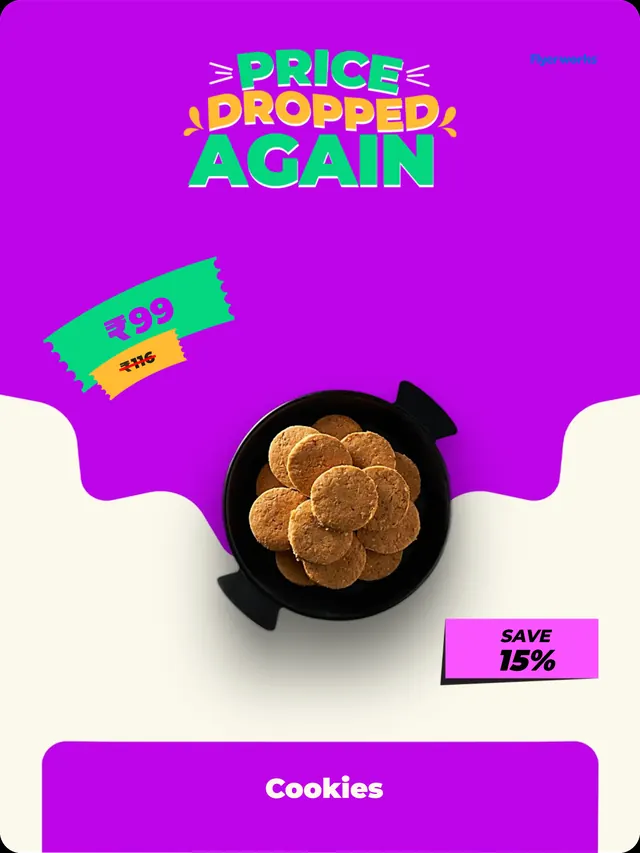
These three are the portrait social size. The A5 and A4 tags are wide.
How to choose
Measure your shelf edge first. Hold a piece of A5 paper against the shelf where the tag will go and see whether it covers the price label of the product below it, or the product next to it. If it does, you'll want a smaller tag, and you'll need to scale it down when you print.
Then think about how far away the reader stands. Someone walking down an aisle reads a large price from a few steps. Someone at arm's length reads a small one. For a shelf edge where people stand close, a scaled-down A5 tag is usually enough. For an endcap or a promotion you want seen from the aisle end, print A4.
What Flyerworks can't do here
The editor makes one size of tag per download. It doesn't have a small shelf-edge strip size or a sheet layout that fits many tags on one page. If you need a very small tag, export A5 and scale it when you print.
Shelf tags need a paid plan: Starter includes 5 a month, and Pro and Business are unlimited. You can try the shelf tag editor free before you choose. The steps are in how to make shelf tags.
Sources
- ISO 216 paper sizes (A4 210 by 297 mm, A5 148 by 210 mm), Wikipedia, accessed 2026-09-29