Shelf Tag Maker for Retail Stores
Flyerworks is a shelf tag maker for retail stores. Pick a design, add a product from a database of 25,000+ product images or your own photo, type the price and MRP, and download a print-ready tag in A5, A4 or social size. Shelf tags need a paid plan, and you can try the editor free.
Make My First Flyer, FreeFlyers and shelf tags made in Flyerworks
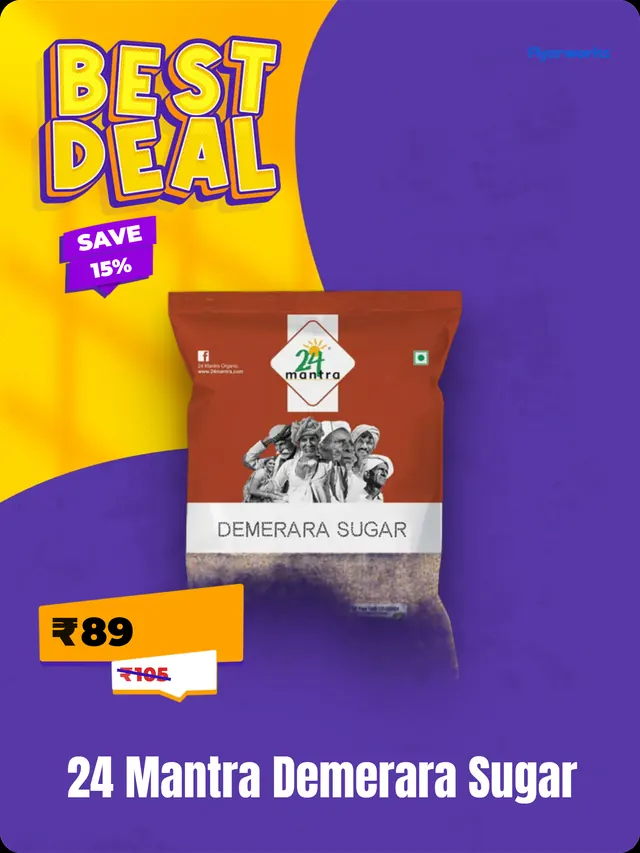
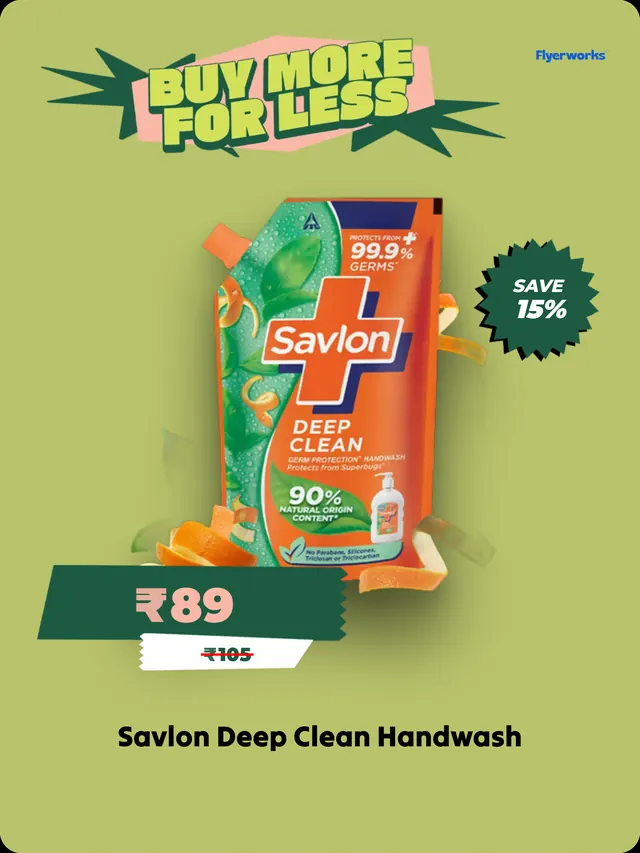
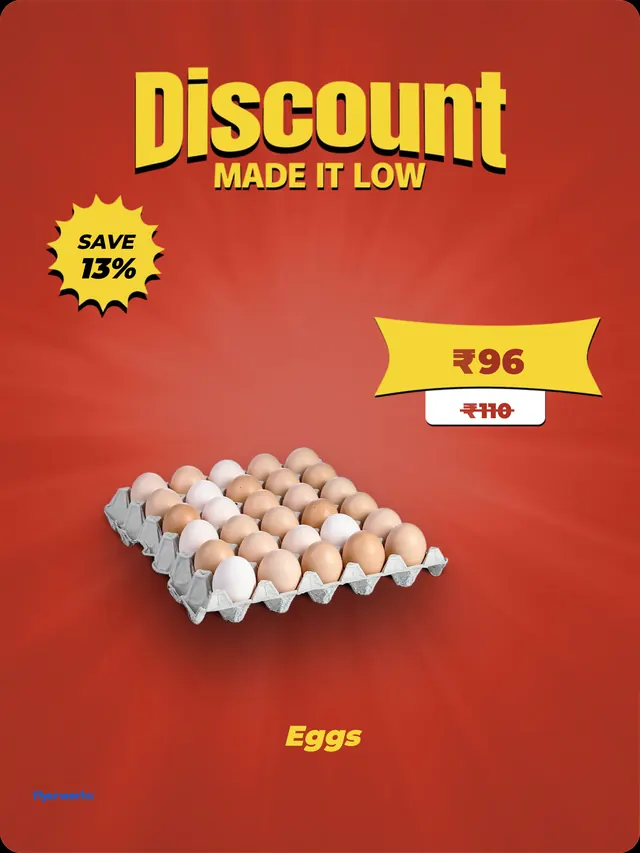
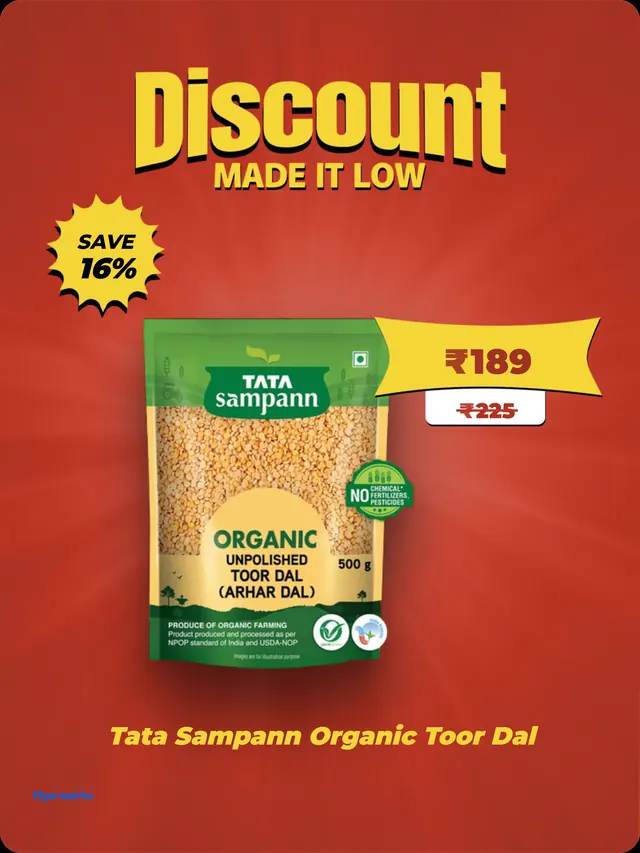
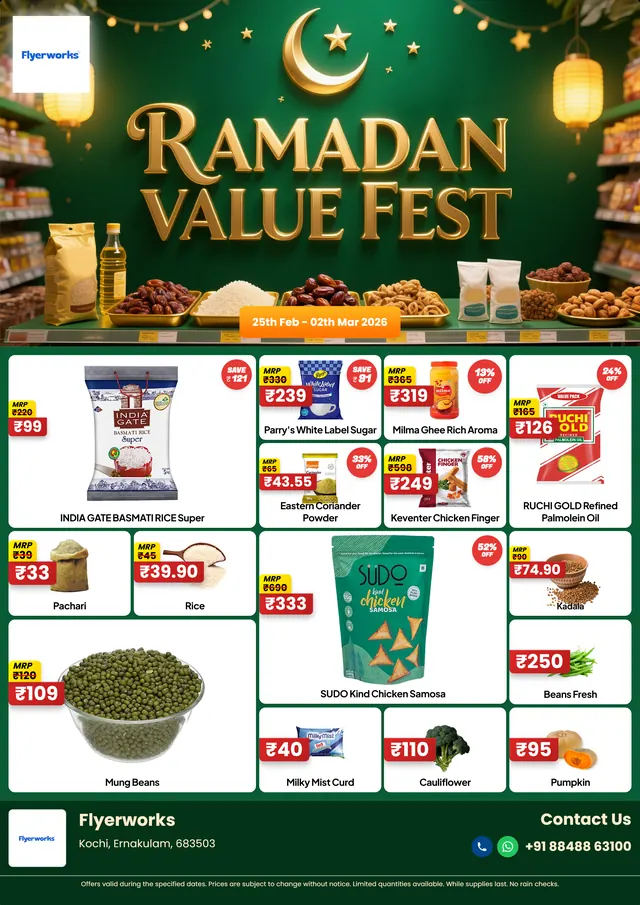
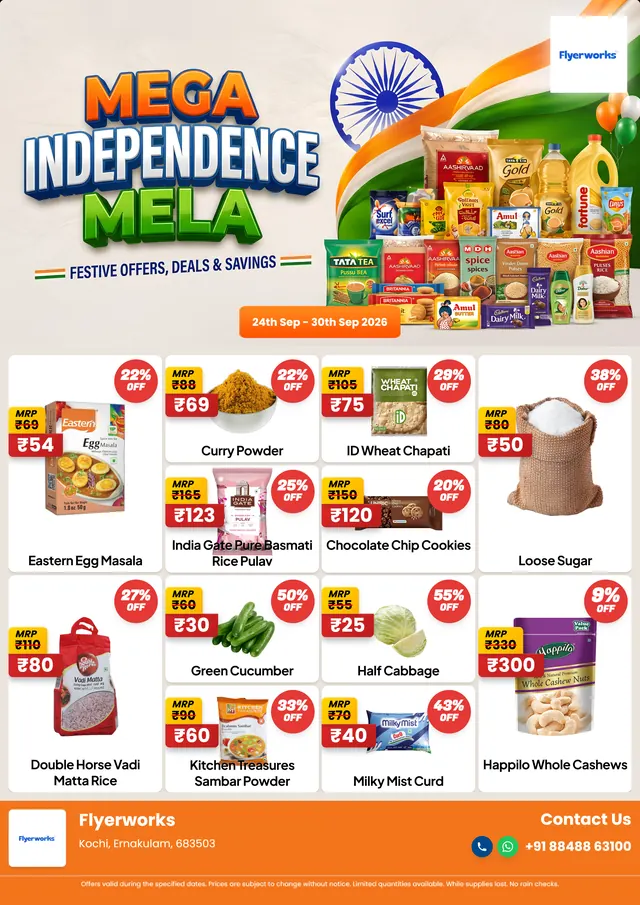
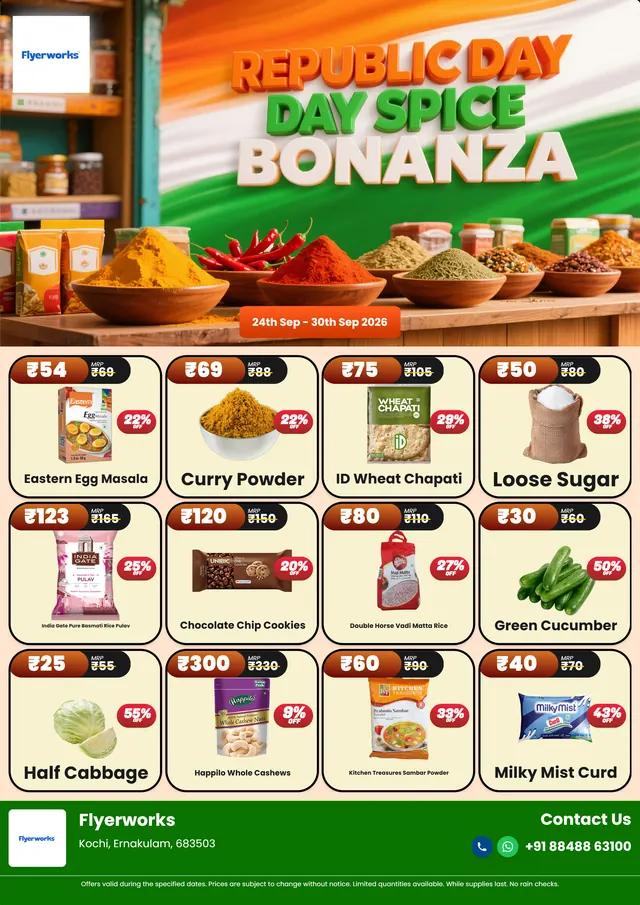
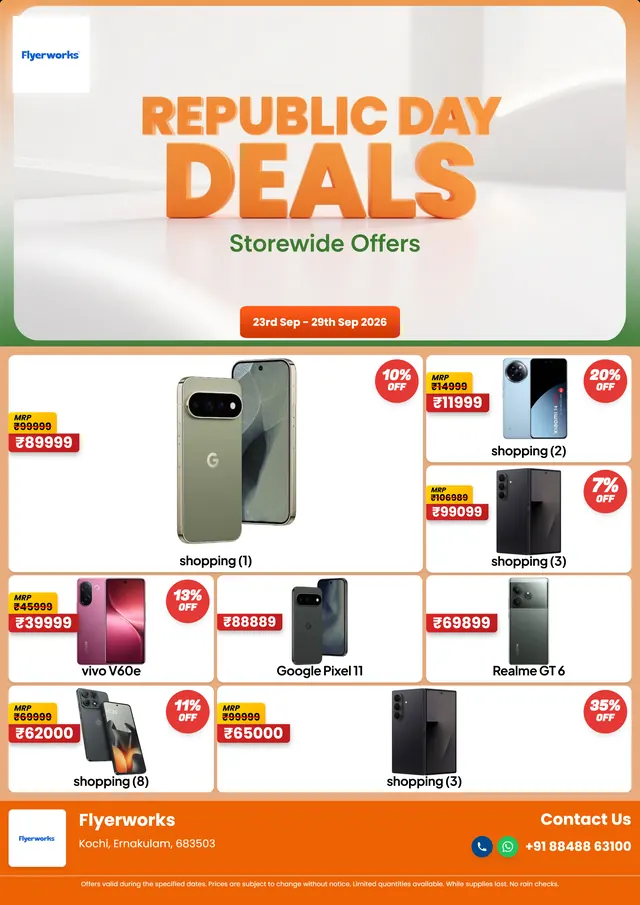
Real templates from the editor. Swap in your own products, prices and logo for your store.
Shelf tags
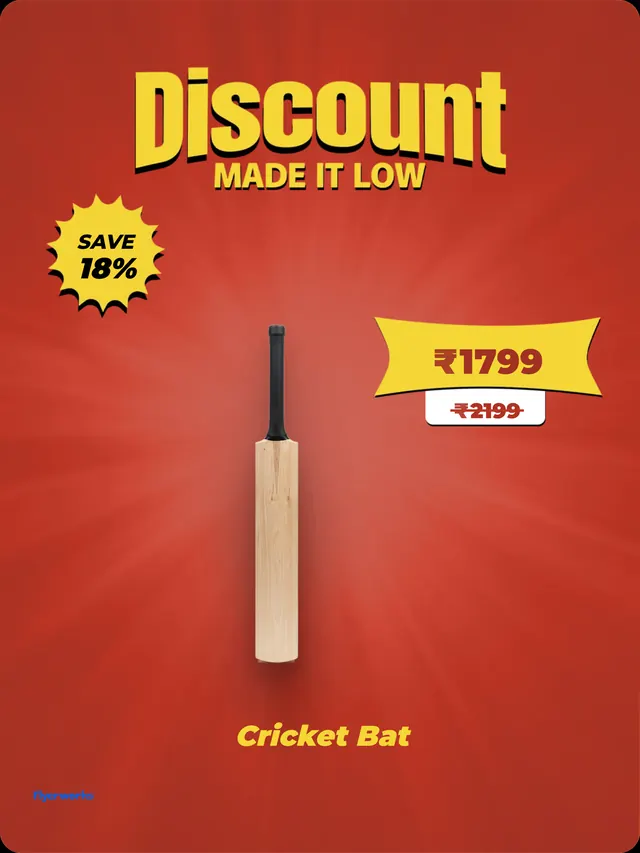
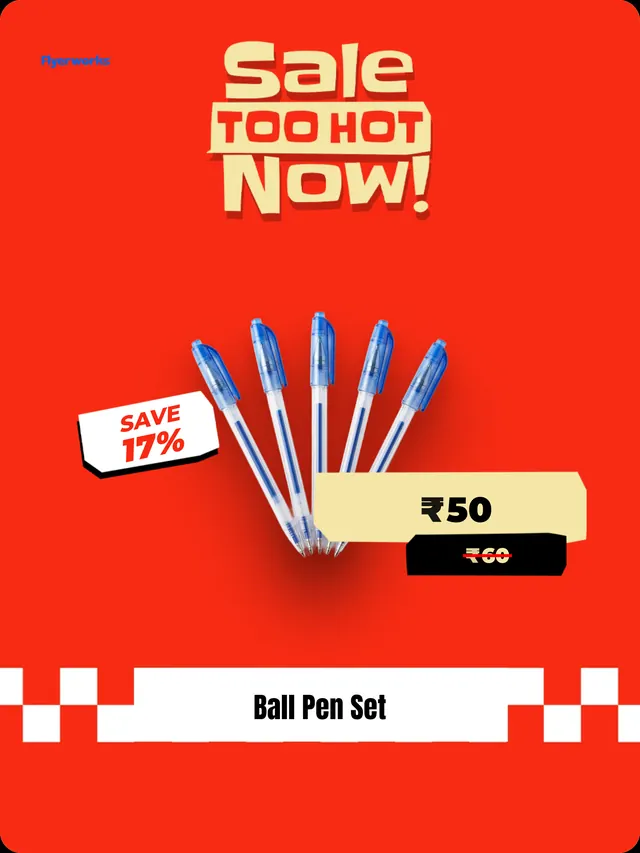
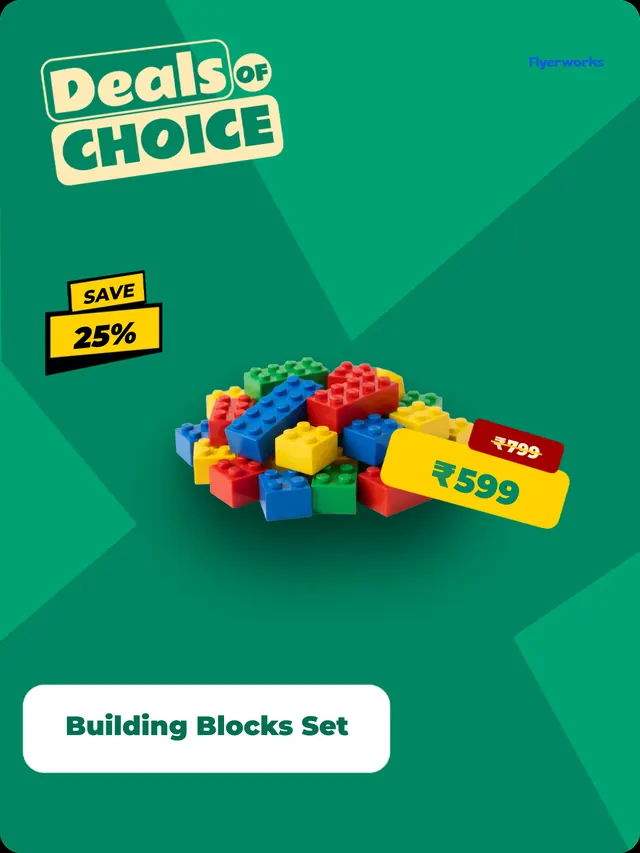
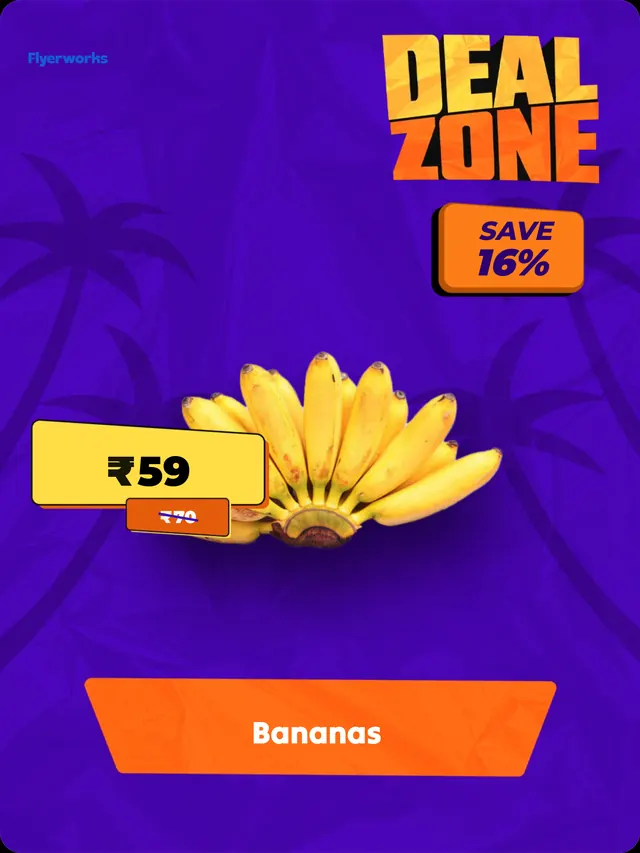
Promotional flyers
What a shelf tag is, and why it is worth doing properly
A shelf tag is the small sign next to a product that shows the price, and often an offer. It is the last thing a customer reads before they pick something up. A tag that is easy to read and matches the rest of your store tells them the price is fair and the shelf is looked after. A smudged handwritten one does the opposite.
Making them in Flyerworks takes about a minute per product. You pick a design once, and after that it is a product name and a price.
What goes on a Flyerworks shelf tag
- Product name and photo. Search the database of 25,000+ product images, or use your own photo.
- Your price. The number customers pay.
- MRP with a strike line. Show the printed MRP with a line through it, so the saving is obvious. You choose the line's colour and how strong it looks.
- An offer or discount badge. For sale prices and price drops.
- Your logo. Switch it on and set how large it appears.
- Colours and fonts. Change them so the tag matches your shop.
The price, the MRP and the offer each have an on-off switch, so one design can serve a full-price item and a discounted one.
Shelf tag sizes
| Size | Pixels | Use it for |
|---|---|---|
| A5 | 2480 × 1748 | Printing, two to an A4 sheet |
| A4 | 3508 × 2480 | Printing, one per sheet |
| Social | 1080 × 1440 | Screens and WhatsApp |
The print sizes are set for 300 pixels per inch, so they print sharp at their paper size. The full breakdown is in shelf tag sizes.
Make a shelf tag in six steps
- Open the shelf tag editor on a computer.
- Pick a design: a plain price tag, a sale tag, a price drop or a bigger offer tag.
- Add the product from the database, or with your own photo.
- Type the price and the MRP, and switch on what you want shown.
- Match your colours, fonts and logo.
- Choose a size and download the PNG.
The same steps with notes are in how to make shelf tags.
Plans and shelf tag limits
| Plan | Shelf tags |
|---|---|
| Free | Editor and watermarked preview. No downloads. |
| Starter | 5 a month |
| Pro | Unlimited |
| Business | Unlimited |
Shelf tags are a paid feature. You can try the shelf tag editor free, and the download is what needs a plan.
Shelf tags or flyers?
They do different jobs. A shelf tag sits next to the product and gets read by someone already standing in your aisle. A flyer goes out on WhatsApp or Instagram, or onto a wall, to bring people in. Most stores need both, and Flyerworks makes both from the same product database, so a price you have already typed does not need typing again.
What Flyerworks does not do
- The download is a PNG image. There is no PDF layout that fits many tags on one sheet, so you set up your own sheet in your printer or another program.
- It makes one tag per download. It is not built for printing hundreds of labels from a spreadsheet.
- It does not print for you.
- It works best on a computer. A phone browser works for small edits, with fewer features.
Everything a retail store needs
Built by retail operators, for retail operators.
25,000+ Product Database
Search and pull any product image instantly, no photography needed.
3,000+ Templates
Professional retail-specific templates updated weekly with festive designs.
WhatsApp & Instagram Ready
Export in optimised formats for instant sharing to your store groups.
Shelf Tag Generation
Create in-store price tags and offer signs alongside your flyers.
AI Background Removal
Upload any product photo and get a clean cut-out in seconds.
Under 2 Minutes
From template selection to finished flyer, faster than any designer.
Simple Pricing
- ✓ Unlimited flyer designs
- ✓ 25,000+ product image database
- ✓ 3,000+ professional templates, all unlocked
- ✓ WhatsApp & Instagram ready output
- ✓ 5 shelf tags every month
- ✓ AI background removal
5 free flyers every month, no card. Refunds within 7 days on your first subscription, see our refund policy.
Frequently Asked Questions
Start creating flyers that sell.
Join 2,000+ retail stores using Flyerworks daily.
Make My First Flyer, Free