How to make a weekly grocery ad, no designer
To make a weekly grocery ad without a designer, pick about a dozen deals with one strong lead item, check that every "was" price is real, put the products and prices into a grocery flyer template, proofread it against the register, then export one file for print and one image for phones.
I run Flyerworks, so the examples below are made in it. Flyerworks is a flyer maker and shelf tag maker for supermarkets and retail stores worldwide. The steps work in any tool, though, and I'll say where another option suits you better.
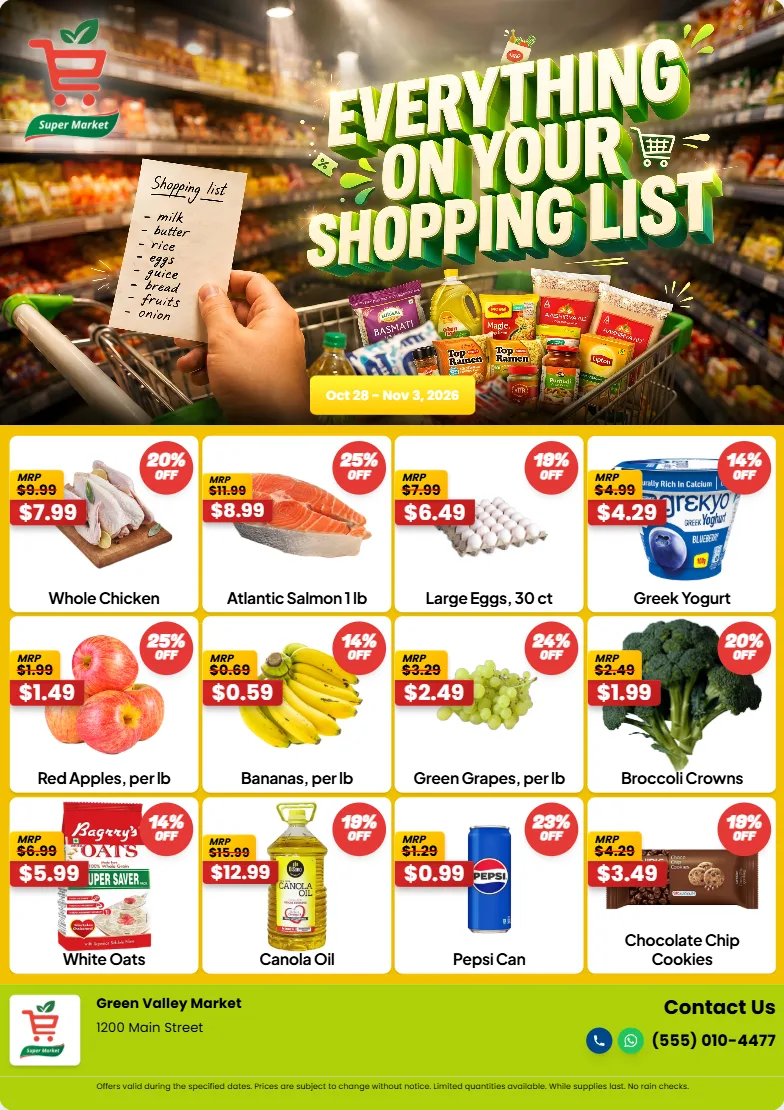
The store in these examples, Green Valley Market, is a demo store, and the prices are sample prices. Everything else is what the app really draws.
What goes in a weekly grocery ad?
A weekly ad is a price list with pictures that expires. Shoppers read it to decide where to buy this week, so it needs four things on every item: a photo they recognise, the name with its size or unit, the sale price, and the regular price or the saving.
Around those items it needs the dates the prices are good for, your store name, address and phone, and a short line of terms (while supplies last, limits per customer). Leave your store's story for another page.
How do you make a weekly grocery ad, step by step?
- Fix the week and the deadline. Choose the day your ad starts and keep it the same every week, so regulars know when to look. Set a deadline a few days before for the price list, and stick to it: an ad that's late loses most of its week.
- Pick the deals. Start with one lead item on the front, something most of your shoppers buy, at a price they'll notice. Then fill in around it: produce, meat or fish, dairy, a pantry staple and a treat. A dozen items fit one A4 page with room to read them.
- Check every "was" price. In the US, the FTC says a former price is a fair comparison only if it's "the actual, bona fide price at which the article was offered to the public on a regular basis for a reasonably substantial period of time"[1]. If you never really sold it at the higher price, show only the sale price.
- Write the unit on every item. "Red Apples, per lb" and "Large Eggs, 30 ct" stop the question at the till.
- Build it from a template. In Flyerworks you pick one of 3,000+ retail templates, search the 25,000+ product images by name, and type each product's price and old price into its own fields. The percent-off badges work themselves out from those two numbers, and prices print in your store's currency, dollars included.
- Proofread against the register. Check every price, unit and date against your point of sale before anything goes out. Read the ad on a phone as well as on paper, because that's where many shoppers will see it.
- Export twice. Make a print-ready PDF for paper and an image for phones and social posts. In Flyerworks that's the Print download (A5, A4 or A3 at 300 DPI, on any paid plan) and the Social download, a 3:4 PNG on every plan.
- Put the same prices on the shelf. A shopper who comes in for the salmon should find the salmon tag showing the price from the ad. Make the tags from the same prices, on the same day.
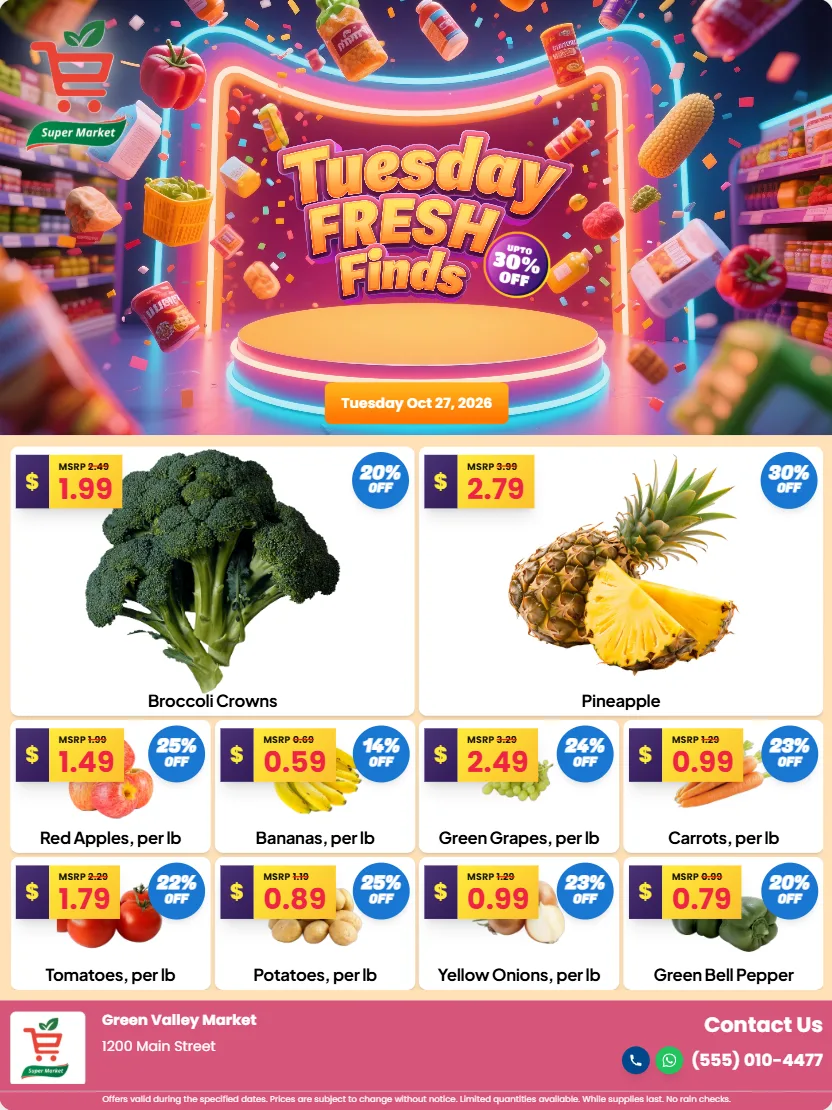
The produce ad below came out of the same steps with a different template: one page of fruit and vegetables, priced per pound.
How do you get the weekly ad to shoppers?
A weekly ad can go out through several channels at once. Here is what each one needs from the file you made in step 7.
| Channel | File | What to know |
|---|---|---|
| Printed copies at the entrance and checkout | Print PDF | The cheapest reach you have: everyone who already walks in |
| Mail to every home on a route (USPS Every Door Direct Mail) | Print PDF, sized to USPS rules for flats | EDDM Retail postage is 26 cents a piece, for 200 to 5,000 pieces a day per ZIP Code |
| Facebook and Instagram posts | Social image | Post on the day the ad starts and pin it |
| Text or WhatsApp to customers who opted in | Social image | Send once a week, on the same day, and only to people who asked |
| Your website | Social image or PDF | Replace it every week so last week's prices never show |
The mail route is worth a quick sum before you commit. At 26 cents a piece, postage alone for 2,000 homes comes to 520 dollars a week, before printing[2]. Printed copies in the store and a post online cost almost nothing, so it makes sense to start there and mail only for a grand opening or a big holiday week.
How do you keep the shelf tags in step with the ad?
Make them from the same price list on the day the ad goes live. In Flyerworks the shelf tags come from the same products, with the price, the old price and the offer as switches, so the tag a shopper sees matches the ad they read.
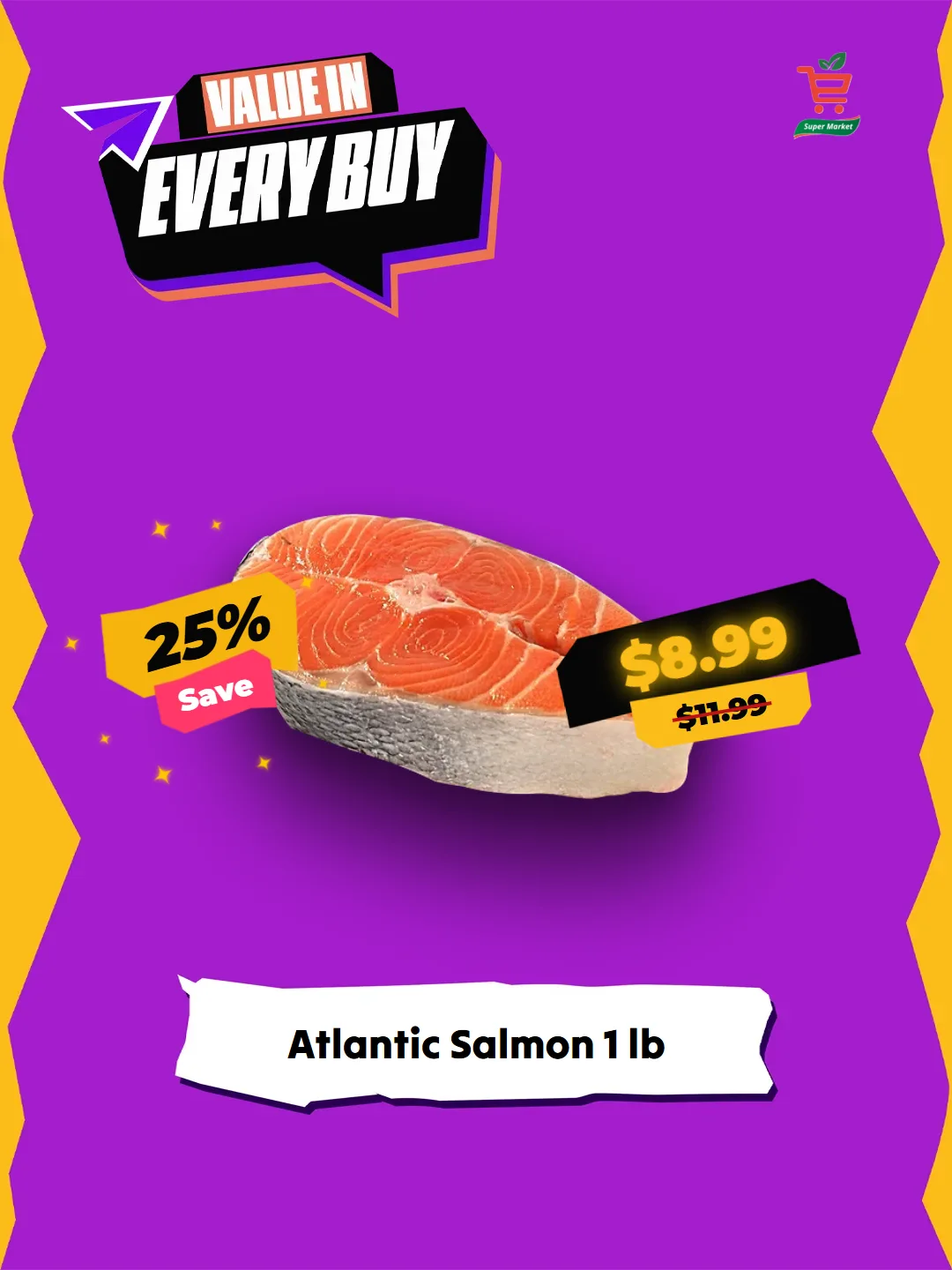
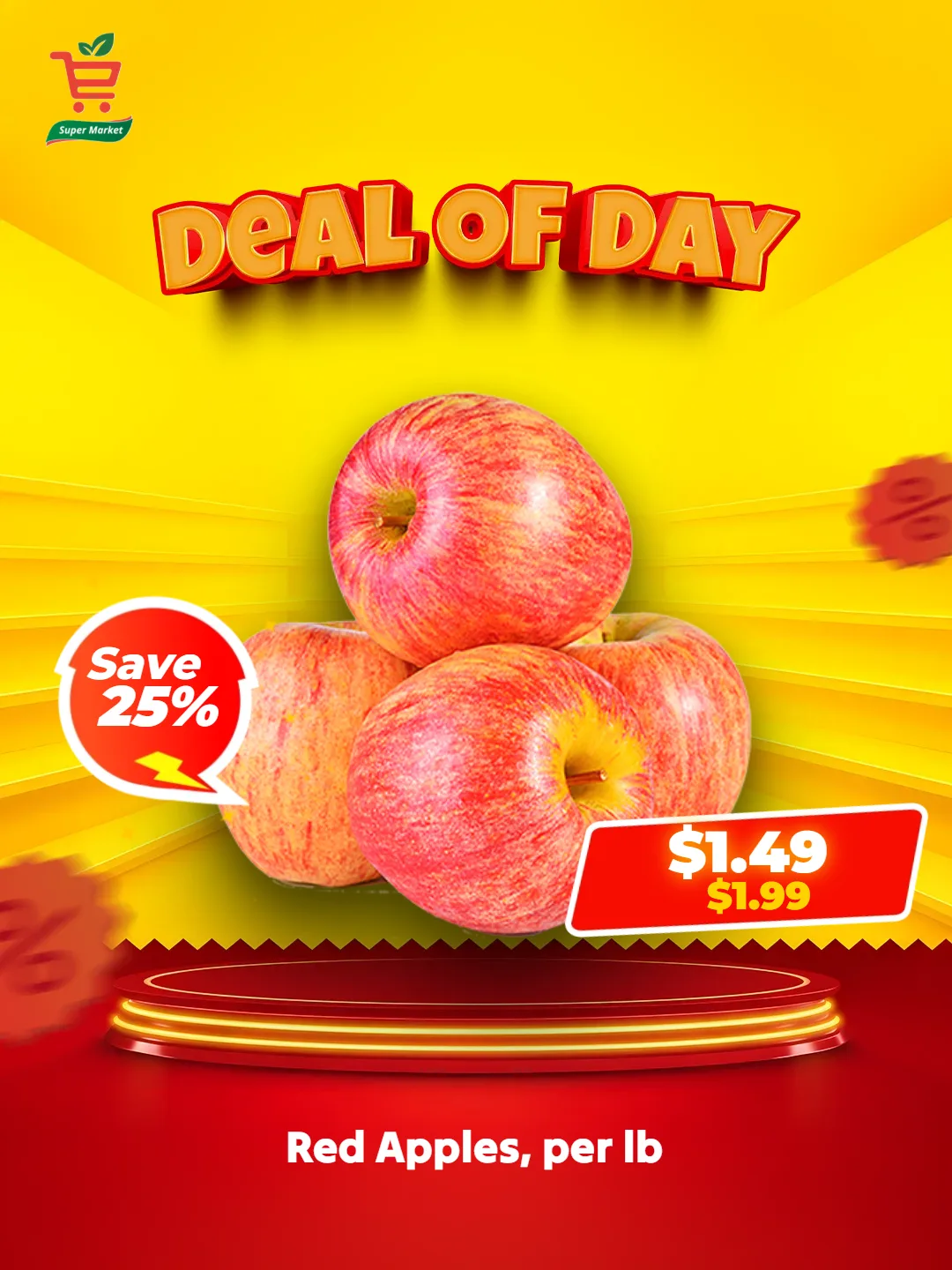
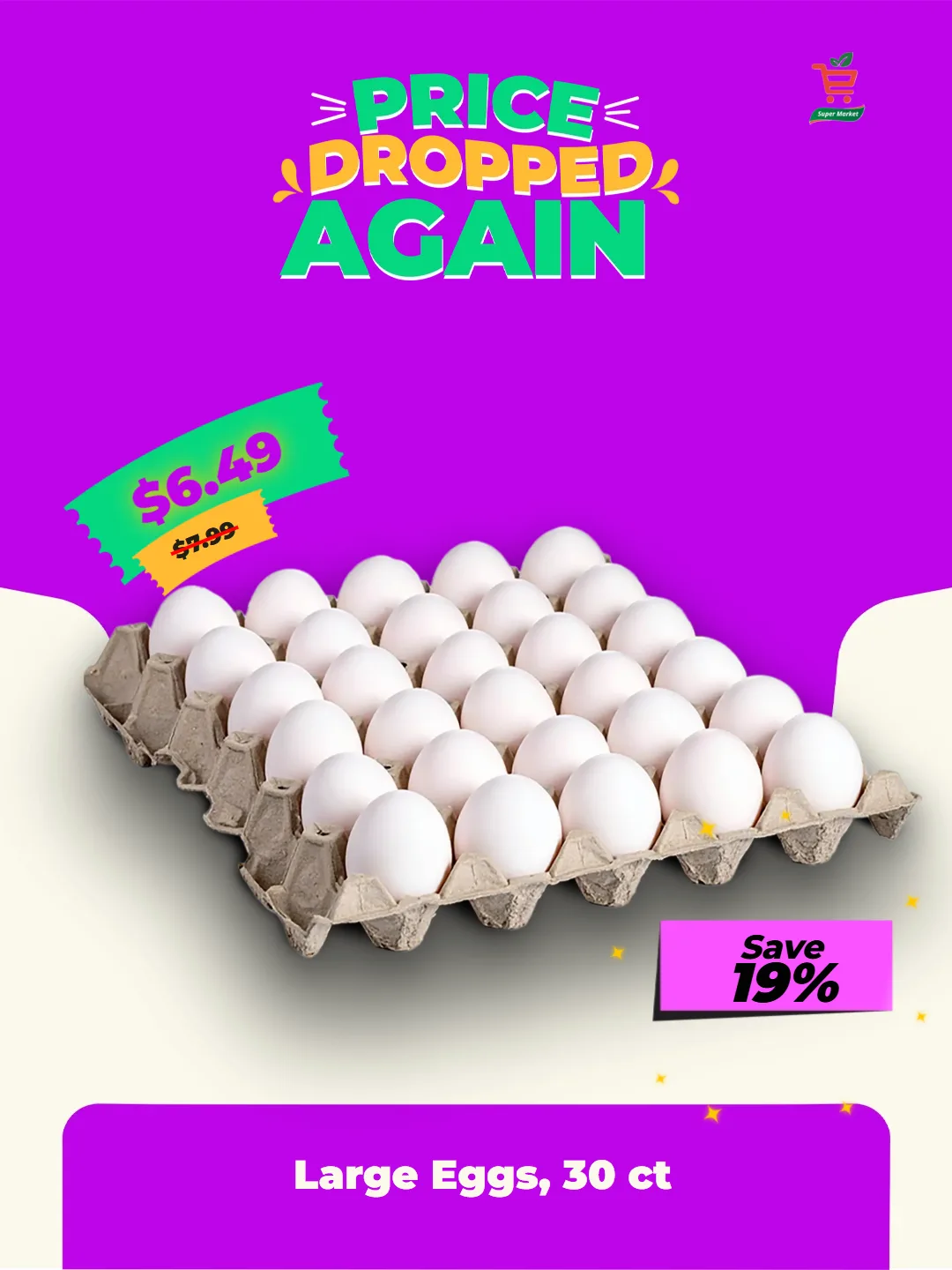
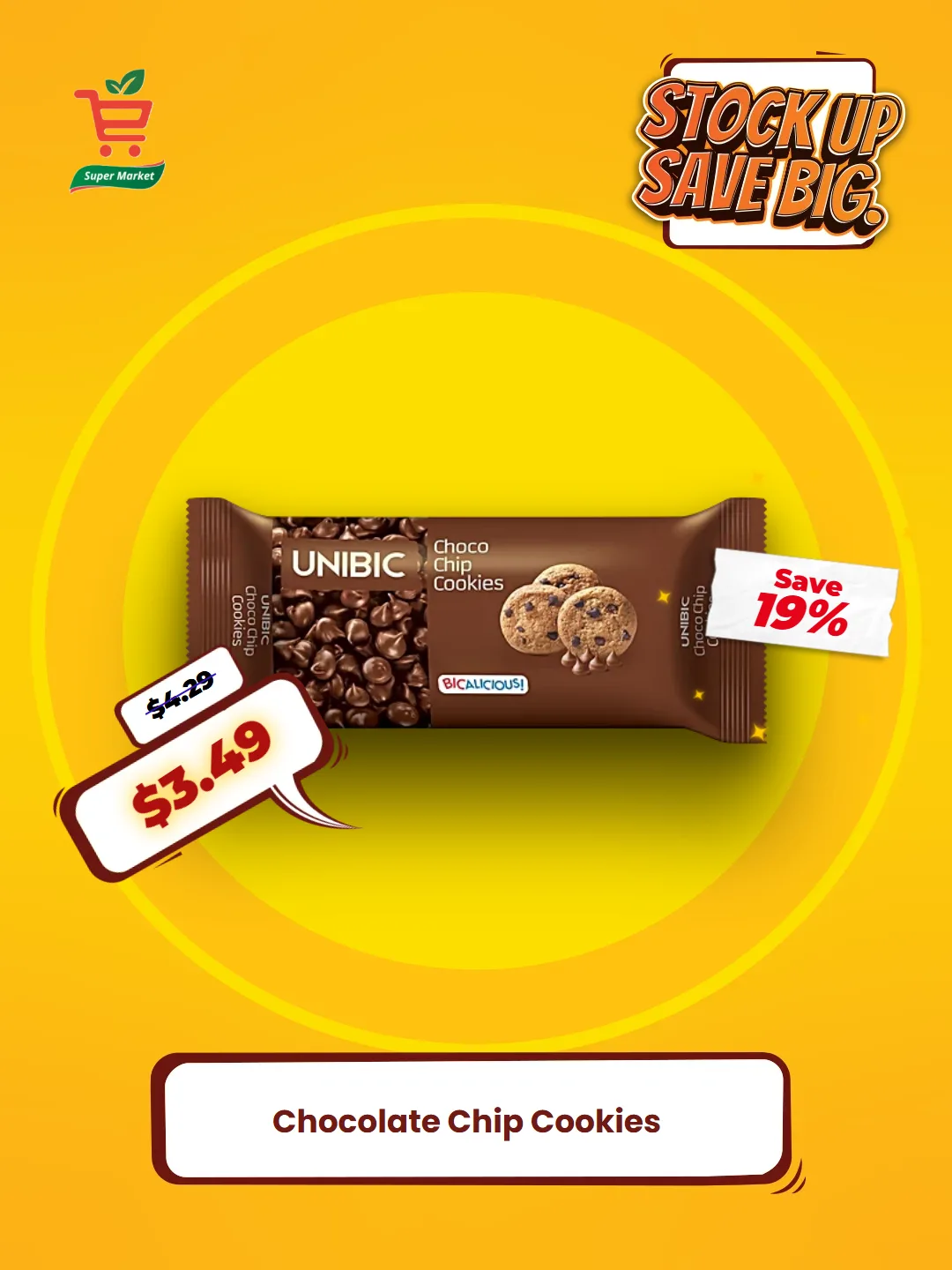
These four match the deals in the twelve-item ad above. How to make shelf tags walks through printing them, and the shelf tag maker page shows the sizes.
What does it cost to make a weekly ad yourself?
The tool is the small part. Flyerworks has a Free plan with 5 flyers a month, each carrying a Flyerworks badge and downloading as an image. The print-ready PDF needs a paid plan, and outside India Starter is USD 19.99 a month in most countries, with unlimited flyers and 5 shelf tags a month. The pricing page shows the price for your country.
The bigger costs are printing and, if you mail, postage. The time is mostly steps 2 and 6: choosing the deals and checking them.
Where Flyerworks fits, and where it doesn't
It fits an independent grocery that changes a dozen or so prices a week, has nobody on staff who designs, and wants the shelf tags to match the ad.
It isn't right for every store, and I'd rather you knew now:
- There's no US Letter size. Print sizes are A5, A4 and A3. Most home and office printers in the US take Letter paper, so an A4 PDF prints scaled to fit, with wider margins.
- Some card styles label the old price MRP, the Indian term, even in dollars, as in the twelve-deal ad above. Others switch to MSRP, as in the produce ad. Pick the card style with the label your shoppers know.
- There's no spreadsheet import. Each product is added and priced by hand. A store with a hundred items a week and a price file may be faster with a design tool that fills a layout from a spreadsheet.
- It doesn't print or mail. You print it yourself, use a local print shop, or book an EDDM mailing with USPS.
- Shelf tags download as PNG, one tag at a time, with no sheet layout for cutting many tags from one page.
- It works best on a computer. It runs in a phone browser too, with fewer features.
If you're still choosing a tool, the best flyer makers for supermarkets compares six of them, and the supermarket flyer maker page shows more templates.
Questions store owners ask
How often should a grocery store change its weekly ad?
Every week, on the same day. Shoppers learn when your new prices start, and a fixed day gives you a fixed deadline for the price list. Leave last week's ad up and people will expect last week's prices.
What size should a printed weekly ad be?
Whatever your printer and your mail route take. For handing out in the store, one A4 or Letter page holds about a dozen deals and stays readable. For mailing with EDDM, check your piece in the USPS size checker before you print, because flats have their own rules[2].
Can I make a weekly grocery ad at no cost?
You can make the image version on Flyerworks' Free plan, which gives 5 flyers a month with a Flyerworks badge, and post it or send it to customers. The print-ready PDF and badge removal need a paid plan.
Do I have to show the regular price?
No. A sale price on its own is fine. If you do show a "was" price in the US, it has to be a price you really charged for a reasonable time before the sale[1].
Sources
- 16 CFR 233.1, Former price comparisons (Legal Information Institute), accessed 2026-10-23
- USPS, Every Door Direct Mail, accessed 2026-10-23